
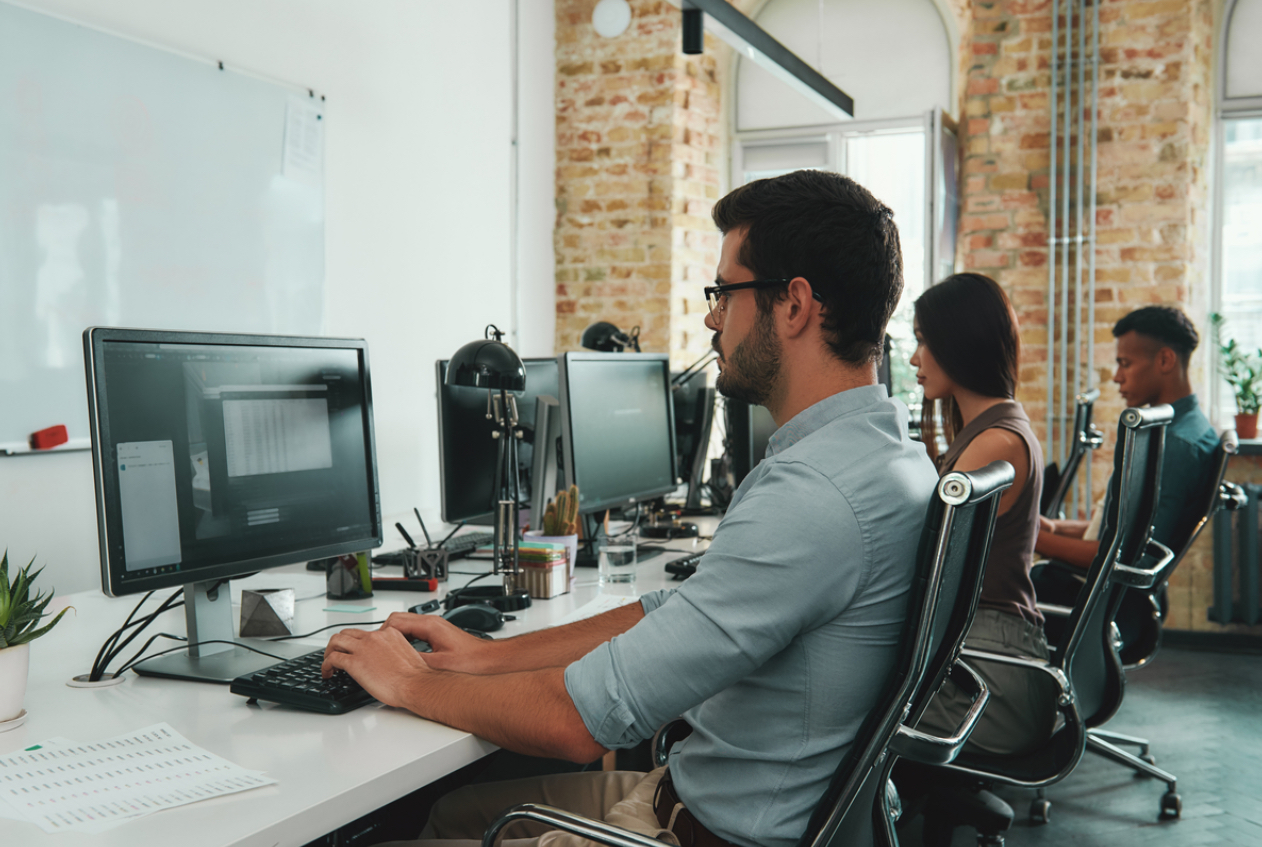
Are you sitting comfortably? Injury prevention is far better than a cure! At the Osteopathy Centre I help people like you to feel great every day.
Many of the working population spend much of their days sat at their desks, weather in a formal office or from home. Extended periods of time seated can be very demanding upon our bodies so it is vitally important to make sure our work place is set up to suit our needs rather than us compromising ourselves and thus our health to a poor set up. Simply put we need to pay attention to the ergonomics.
Here are some suggestions that should help you improve your desk set up at home or in the office to help you to minimise the risk of developing problems.
The following picture shows an ideal ergonomic set up. (Insert image link here)
Proper Screen Positioning for Ergonomic Work
The top 1/3 of the screen should be in your direct eye-line and at approximately arms length away once seated correctly. If working on a laptop, use a riser to bring the screen up towards eye level and use a separate keyboard and mouse.
Choosing the Right Ergonomic Office Chair
Use the best chair you / your employee can get. Best does not mean most expensive! You should be looking for quality and adjustability.
- Your seat should allow you to sit with your elbows, hips and knees at about 90˚.
- Sit as far back as possible to make best use of the back rest and adjust the lumbar support.
- Your feet should be flat on the floor and there should be no pressure from the seat edge under your thighs. If there is pressure the seat is too high.
- Adjust the seat height and arm rests position to achieve the above. If required use a foot rest.
- There may be other adjustments you can make to your seat. Don’t just sit on it, learn how to use it and adjust it to your needs as often as you need.
Keyboard and Mouse Placement: Minimizing Strain
The keyboard should be on the desk roughly 10-15cm for the front edge. The mouse should be directly in line with your shoulder. Mice & track pads are available in many shapes and sizes. It is advisable to try different models to suit your needs.
The Importance of Regular Breaks for Desk Workers
A key thing to remember is that no matter how well you set up your work space, we are not meant to sit for long periods so it is important to have regular breaks. Punctuating your day with simple movements and stretches is vital to support your posture! Don’t wait for pain to remind you to move, simply attach a movement or stretch to the end of each task: Finish a phone call – stretch, send an email – move in your seat, finish a long meeting – walk a little and stretch. Or, if you really need a stimulus, use an alarm for regular reminders to get you moving.
This simple overview gives you some guidance for your office ergonomics but If your back (or anything else) goes out more often than you do, call Alex at the Osteopathy Centre for more help.